


An application, with no installation
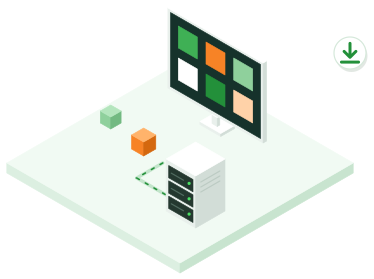
From the Applications page of the portal, the API or the AI assistant, you choose an application and the VM size. The platform creates the VM, and the application installs itself on first boot: packages, database, web server with HTTPS, admin account. Allow about 5 minutes for WordPress and 8 minutes for Nextcloud.
Secure from the start
The admin account is created during installation, with a random password: nobody can take over the site between the moment it goes live and your first login. Downloads are verified against their checksum, HTTP redirects to HTTPS, and the VM's firewall only opens the web ports, on top of your own rules.
The address, the account and the passwords are shown to you only once, at creation.
Available applications
WordPress, the most widely used content management system, for your websites and blogs, starting from an m1.small VM. Nextcloud, the open source file sharing and collaboration platform, to keep your documents in Algeria, starting from an m1.medium VM. Other applications, such as Odoo, will be added based on demand.
Your VM, your application
The application runs on an ordinary VM in your organization: you are its administrator, and you update it, back it up and protect it like any other VM. The platform never connects to it after installation.